
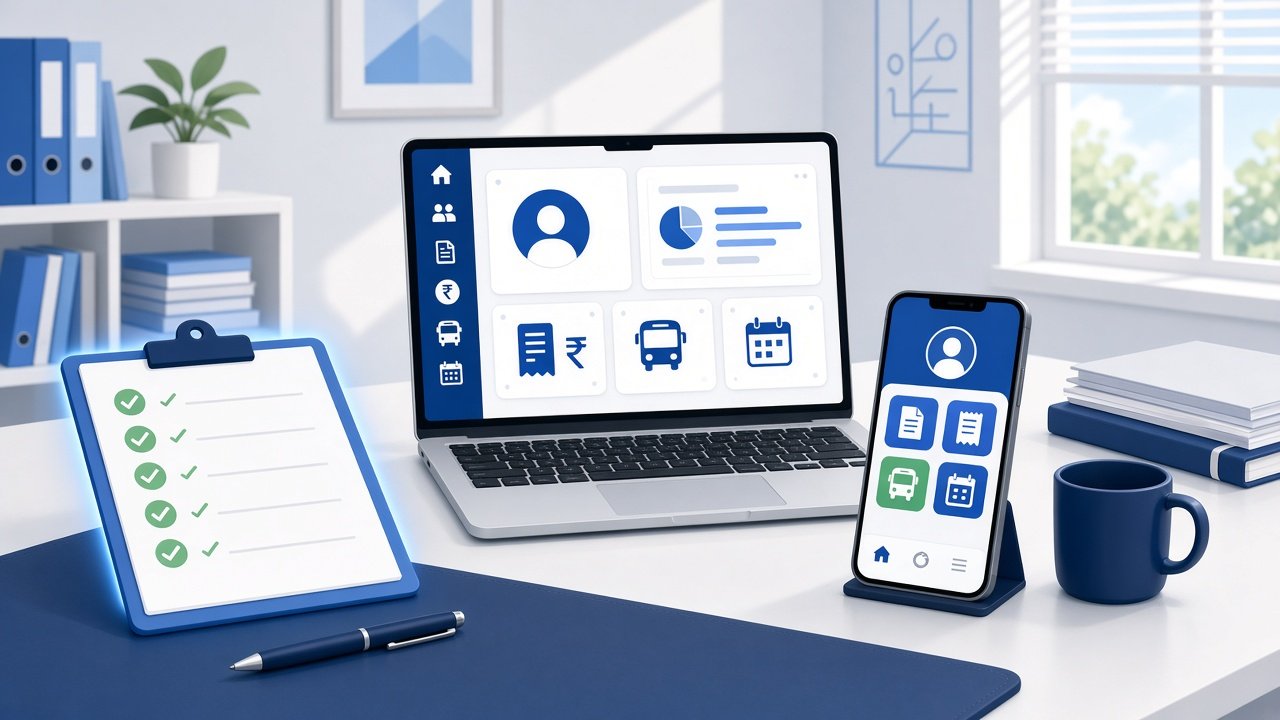
Short answer: A good school ERP for a CBSE or ICSE school keeps one clean record per student, handles your board's subjects and grading, separates fee heads and issues proper receipts, gives parents one app for notices, attendance, fees, results and transport, and lets you export all of your data whenever you want. The 12 questions below help you test each of those in a demo, using your own school's data rather than the vendor's sample school.
Most ERP demos look the same. The dashboard has neat charts, the sample school has tidy data, and every module seems to work. The trouble usually starts later, when a real board deadline or a real fee dispute shows what the system can't do. This checklist is built around those moments.
Board work is where messy records cost you most, because it runs on fixed dates and the board's own portal.
Take this month. CBSE's regular window to submit the List of Candidates (LOC) for the Class 10 and Class 12 2026–27 exams runs until 21 October 2026. After that, late submission runs from 22 to 30 October with a late fee of ₹2,000 per candidate, according to the board's circular as reported by the Indian Express and the Times of India. The school enters the LOC on CBSE's portal, not in its ERP. But the names, dates of birth, parents' names and subjects you type in have to come from somewhere, and that's usually the ERP. If the ERP spells a name one way and the admission register spells it another, you find out at the worst time.
The board also expects records outside exam season. CBSE's Affiliation Bye-Laws ask every affiliated school to keep a website with its affiliation status, teacher details, student numbers, copies of transfer certificates issued and the fees it charges. The Mandatory Public Disclosure format (Appendix IX) lists items such as the fee structure, the academic calendar, the SMC and PTA member lists and three years of board results. The bye-laws also ask schools to keep audited books of accounts.
None of this means an ERP "does compliance" for you. It means the ERP should hold these records cleanly, so the office isn't rebuilding them from three spreadsheets every time someone asks.
ICSE and ISC schools work through CISCE's own registration and exam processes, with their own subjects and marking. The same rule applies there: the board portal wants clean data, and the ERP is where that data should live.
1. Is there one student record that everything else uses? Attendance, fees, exams, transport and certificates should all read from the same student profile. Ask the vendor to change a student's name spelling in one place, then show you that the fee receipt, the report card and the attendance register all picked it up.
2. Can you set up your board's subjects and subject groups for each class? Classes 9 to 12 are where this gets complicated: streams, electives and additional subjects. Ask them to build one real section from your school live in the demo, such as a Class 11 science section with its electives.
3. Can the office export a class list in a format you can check against the board portal? Before any board submission, someone has to check names, dates of birth and subjects line by line. Ask for an export to Excel or CSV by class and section. Don't assume any ERP exports straight into a board's upload format. Ask to see it working, not described.
4. Does it produce certificates from the student record? Transfer certificates, bonafide and character certificates are typed by hand in a lot of offices. Ask whether the ERP fills them in from the student profile, and whether you can adjust the format to your school's letterhead.
5. Does grading match your board, or will you be forcing it? A CBSE school, an ICSE school and a state-board school grade differently, and many schools add their own internal assessments. Ask the vendor to set up your actual scheme, with your terms, weightages and grade bands, rather than showing a generic template. See our guide to school exam management software for what parents expect from results.
6. Do results reach parents in the app, or as a PDF in WhatsApp? A report card that lands in the parent app sits next to that child's attendance and fees. A PDF forwarded in a class group gets lost by the next morning.
7. Are fee heads kept separate, from the fee plan to the receipt? Tuition, transport, exam, activity and development fees should stay separate all the way through. Parents need the tuition amount on its own line for income-tax claims, and the accounts team needs head-wise totals for the audit. Our post on school fee receipt format shows what a receipt should include.
8. Can parents pay online, and is the receipt automatic? Ask whether parents can pay by UPI, cards and net banking from the parent app, whether the payment updates the student's balance on its own, and whether reminders can go out before the due date. If the office is still matching UPI screenshots to students by hand, the fee module isn't doing its job. More in school fee management software.
9. Can you pull your published fee structure straight from the system? Your fee structure has to appear on the school website and match what you actually charge. If the ERP holds the fee plan by class, getting that document should be an export, not a retyping job.
10. Is there one parent app for everything? Notices, attendance, fees, report cards and transport should all sit in one parent login. Ask whether messages can carry a purpose, such as acknowledge, approve or pay, so the office knows who has actually responded. See structured school-parent communication.
11. Will it work with the attendance device you already own? If you already have biometric or RFID machines, ask whether the ERP can take punch data from your existing device, or whether you have to buy new hardware. More on biometric attendance.
12. Who moves your data in, and how do you get it out? Ask who imports your existing spreadsheets, who sets up classes and fee structures, and who trains your staff. Then ask the question most schools skip: if you leave, can you export all of your student, fee and exam data, in what format, and at what cost? Get the answer in writing.
Bonus: if there's AI, what does it answer from? Many ERPs now advertise AI. Ask whether the assistant answers from your school's live records or just gives general advice. Then ask a real question in the demo, such as how much fee is pending for Class 8.
Print this and fill one column per vendor.
| Area | What to see in the demo | Vendor A | Vendor B |
|---|---|---|---|
| Student record | Change a name once; see it everywhere | ||
| Board subjects | Your real Class 11 or 12 section built live | ||
| Board data check | Class list exported to Excel or CSV | ||
| Certificates | TC or bonafide filled in from the profile | ||
| Grading | Your terms, weightages and grade bands | ||
| Results to parents | Report card visible in the parent app | ||
| Fee heads | Tuition on its own line on the receipt | ||
| Online fees | UPI payment updates the balance by itself | ||
| Fee structure | Class-wise fee plan exported | ||
| Parent app | One login for notices, attendance, fees, results, transport | ||
| Attendance | Works with your existing device | ||
| Data exit | Full export, in writing |
If a vendor says "we can do that" but won't show it, write that down as a "no" until they do.
ConnectEdu is school management and parent engagement software built for small and independent schools in India. It brings communication, attendance, fee collection, transport and academics into one system, with a web portal for the school and Android and iPhone apps for parents. Here's how it lines up with the checklist:
Plans start at ₹8 per student per month. ConnectEdu doesn't submit board forms such as the LOC for you. Those stay on the board's portal. What it does is keep the student, subject, fee and exam records those forms depend on in one place.
We aren't aware of any official list of board-approved school ERPs. If a vendor says its product is "board-approved", ask for the document. In practice, the question is whether the ERP handles your board's subjects, grading and records well.
Not usually. They need an ERP that can be set up for each board's subjects and grading. Schools that run more than one board, or a board plus their own internal assessments, should check that both can be set up side by side.
The LOC is submitted by the school on CBSE's portal. An ERP helps by keeping names, dates of birth, parent details and subjects clean, so the data your office enters or checks matches your records. Ask any vendor to show, not tell, how its exports help with that check.
Who imports your existing records, how long setup takes for a school of your size, and how you export all of your data if you ever leave. Ask for the export answer in writing.
Any time you can give the office a few calm weeks to set up and train. Avoid switching right before a board deadline or a big fee-collection date. Bring your data in, run both systems side by side for a short while, and then switch over.
Take this checklist into your next three demos and fill in the scorecard. The vendor that can show all twelve with your own data is the one worth shortlisting.
To see how ConnectEdu handles records, exams, fees and the parent app for your school, book a 30-minute demo or visit connectedu.in.