
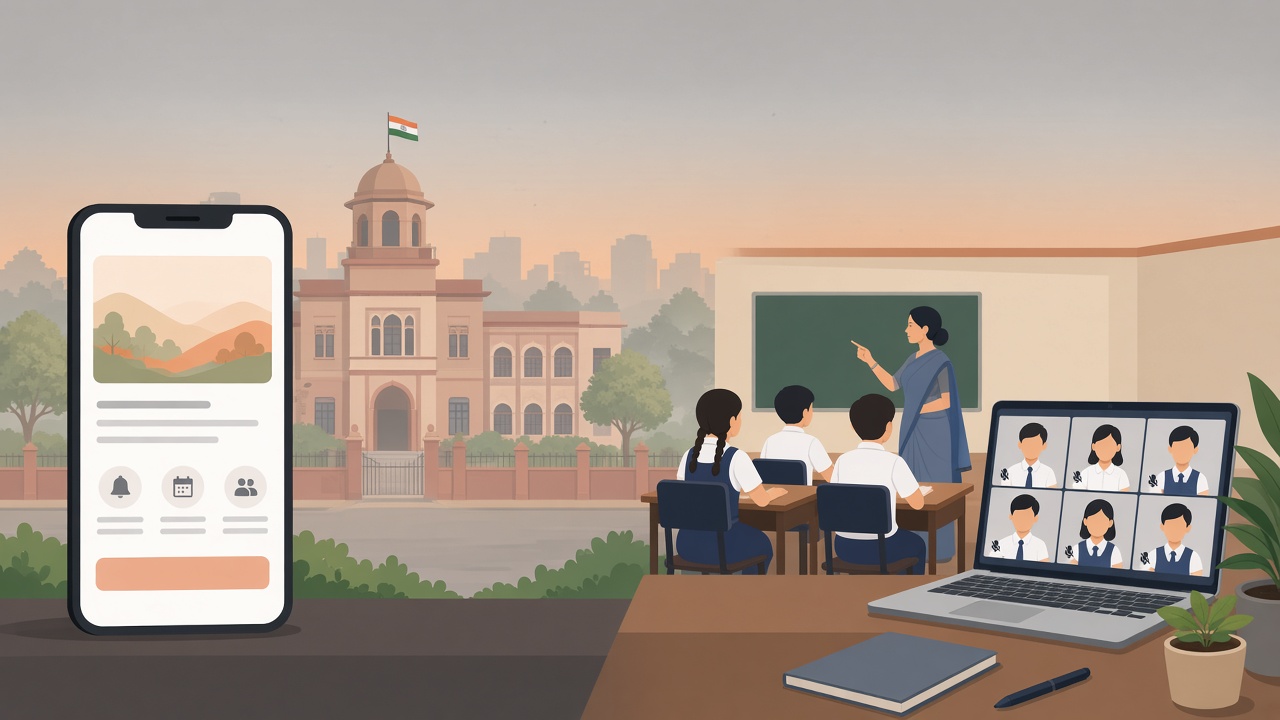
Under CAQM's revised GRAP, Stage III makes classes up to Class 5 hybrid in Delhi, Gurugram, Faridabad, Ghaziabad and Gautam Buddh Nagar. Stage IV adds Classes 6–9 and 11. Parents choose online where it's offered. Within 24 hours: confirm the order, publish one official parent announcement, collect each family's mode, and send same-day attendance alerts.
GRAP orders often arrive in the evening and take effect the next morning. The video link is rarely what goes wrong. What goes wrong is five versions of the news in five WhatsApp groups, parents unsure whether their child should come in, and an attendance register nobody trusts. This guide covers the rules, a 24-hour plan, and parent message templates you can adapt now, before the season peaks.
Check caqm.nic.in and your Directorate of Education order for the stage in force today. This article does not say which stage applies right now.
The Commission for Air Quality Management (CAQM) approved a revised Graded Response Action Plan on 28 September 2026. The schedule is dated 29 September 2026.
A stage can be called in advance, based on the forecast, before the AQI actually reaches it. Each stage also keeps every action of the stages below it, so Stage IV includes everything in Stage III.
At Stage III, state governments in NCR and the Delhi government must run classes up to Class V in "hybrid" mode, meaning both physical and online, wherever online is feasible. This applies in the NCT of Delhi and in Gurugram, Faridabad, Ghaziabad and Gautam Buddh Nagar. Other NCR areas may also choose to do it.
At Stage IV, hybrid mode extends to Classes VI to IX and XI in the same areas. Classes X and XII are not in the list.
The CAQM schedule says the choice to use the online mode, where it is available, rests with students and their guardians. A school offers the option, and each family decides.
| GRAP stage | Classes in hybrid mode | Where (mandatory) | |---|---|---| | Stage III | Up to Class 5 | Delhi, Gurugram, Faridabad, Ghaziabad, Gautam Buddh Nagar (other NCR areas may follow) | | Stage IV | Up to Class 5, plus Classes 6–9 and 11 | Same areas |
The detail on the ground, such as start dates and timings, comes through your state's Directorate of Education or district order. Follow that order, not a forwarded screenshot.
Hybrid is not a closure. The school stays open, physical classes run, and an online option runs alongside them for families who choose it. In practice, three things have to work at once:
Most of the stress on GRAP day sits in the second and third, so that is where this plan focuses.
Keep to one rule: one official channel, one message per change, dated, and specific to the class. Adapt the templates below. Keep them short and calm, and quote only what the order says.
A. GRAP announcement
Dear parents, as per the GRAP Stage [III/IV] order from CAQM and the [Directorate of Education / district] order dated [date], Classes [list] will run in hybrid mode from [date]. School remains open and physical classes continue. You may choose online classes for your child instead. Please reply to the next message with your choice. Updates will come only through this app. For questions, contact [name, role].
B. Mode choice
For [child's name], Class [x-y]: please choose physical or online classes during the hybrid period by [time, date]. You can change your choice later by informing the class teacher a day in advance.
C. Unaffected classes
Classes [10 and 12 / list] are not covered by the hybrid order. School timings and routine stay the same for these classes.
D. Transport update
Bus timings for hybrid days: [route / timing changes]. Pickup and drop rules remain the same. If your child is attending online, you don't need to inform the driver; the school will update the bus list.
E. Back to physical
The hybrid order has been withdrawn as per [order, date]. All classes return to physical attendance from [date]. Regular timings and bus routes resume.
F. Same-day absence alert
[Child's name] was not marked present in class or in the online session today, [date]. Please let the class teacher know if your child is unwell or attending in a different mode.
G. Indoor activities note (optional)
During this period, [assembly / PE / outdoor play] will be held indoors as per school decision.
Send G only if the school has actually made that decision.
On a hybrid day "absent" has three possible meanings, so keep three lists:
The common mistake is sending a "your child is absent" alert to a parent who chose online classes the night before. Cross-check before you alert. If your school takes attendance with same-day alerts, the physical list is ready by first period, and the cross-check is the only manual step.
ConnectEdu doesn't run your online classes; keep using the tool your teachers already know. What it handles is the communication and the record around them:
If you're weighing push notifications against WhatsApp and SMS for messages like these, read which channel actually reaches parents. For the bigger picture, see what a parent engagement platform is and our guide to school–parent communication. If bus runs change, our transport safety checklist covers the pickup rules that shouldn't.
Classes up to Class 5, in Delhi, Gurugram, Faridabad, Ghaziabad and Gautam Buddh Nagar. Other NCR areas may also adopt it. Check your state's order for the details.
Classes 6 to 9 and Class 11 join the hybrid mode, on top of the classes already covered at Stage III.
They are not listed in the CAQM schedule. Follow your Directorate of Education order in case it says more.
No. The school stays open and physical classes continue. An online option runs alongside them where it is feasible.
The CAQM schedule leaves that choice with students and their guardians, wherever the school offers online classes.
Check caqm.nic.in and your state's education department orders. Stages can be called in advance based on the forecast, so watch for evening notices.
Mark physical attendance as usual and keep a separate online record. Cross-check the two before alerting parents, so only children who were neither in class nor online are flagged.
It's better to use one official channel. Forwards across many groups lead to conflicting versions. Send one dated message from the school's official app instead.
ConnectEdu sends one official update to the right classes and same-day attendance alerts to parents. Book a ConnectEdu school demo, or log in if your school is already on ConnectEdu.
By ConnectEdu Team